


Since I am going to be filming many clips, edititng them. I decided to film some videos that will remind me/teach me new skills.
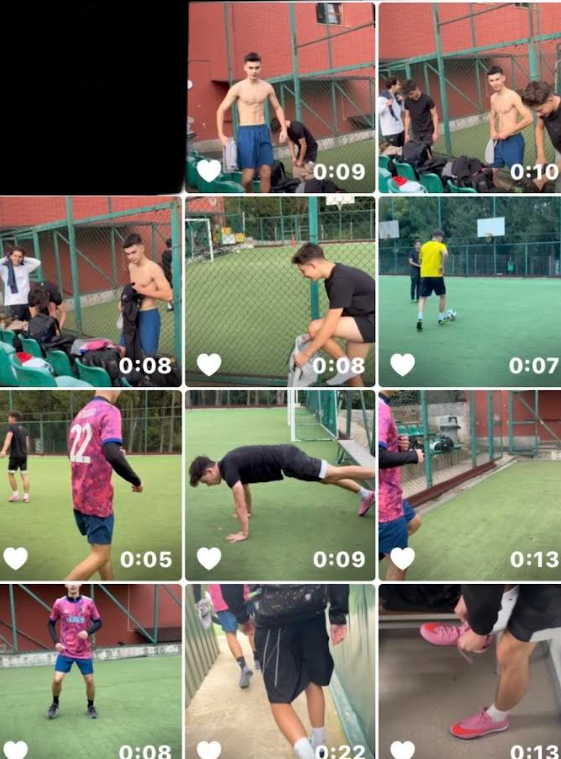
STEP 1. I was choosing the clips I would use for the video. Out of all the videos I filmed, I liked the ones I thought were nice and worth including, then I selected them so I could use them.
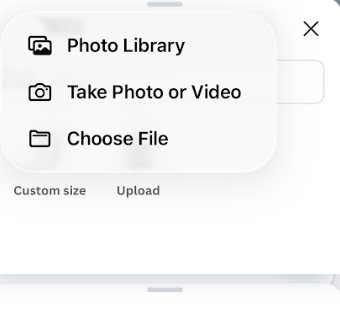
STEP 2. Was taking the clips and videos I chose for the small video. In Canva, you go to the three dots, and there you can select upload image. I then added all the images I needed, and this helped me gain more knowledge about how Canva works. This will make it easier for me when I work on my major project.
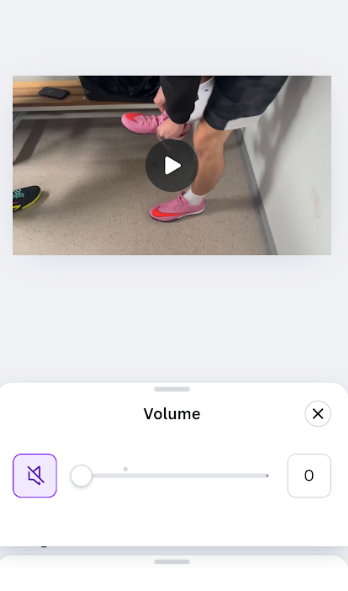
STEP 3. Then I lowered the volume for all the clips so I could use an audio.
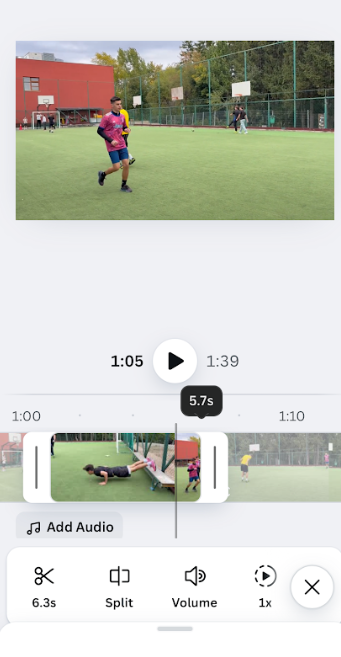
STEP 4.Then I edited the videos, which involved shortening some and adjusting the lighting.
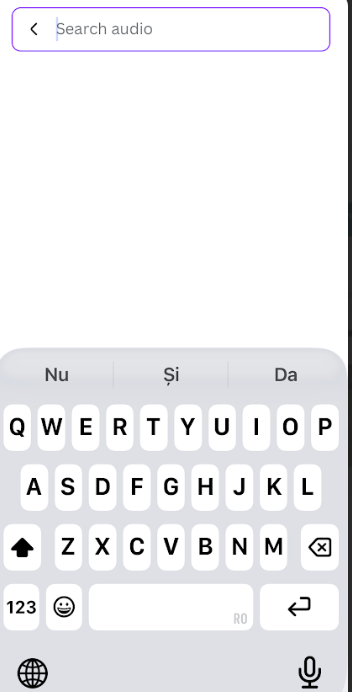
STEP 5.As planned, I used the audio button to search for an audio selection that aligns with what I am looking for. This helped me to engage with a variety of auditory materials. By carefully selecting the available options, I aimed to identify an audio piece that would align with my needs and enhance the overall skills I had learned.
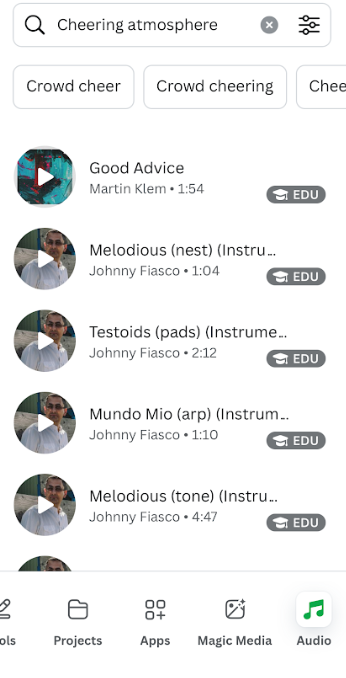
STEP 6.I tried to find an audio that matched the atmosphere I was looking for, so considering it is a football video, I wanted a cheering and lively atmosphere. I selected four types of audio: “cheerful days,” “crowd teens cheers,” “cheer-football-teens-stadium,” and “monkey matters (instrumental).”
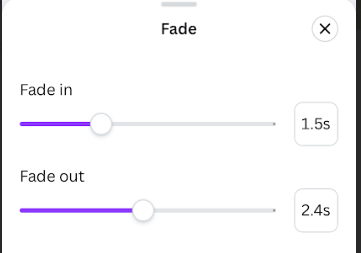
STEP 7.The next step was to edit the audio, as I did not like the idea of it starting abruptly. So, I applied fade-in and fade-out effects to all four tracks, each with different timings, to make it easier on the ears and help viewers focus on the visual effects.
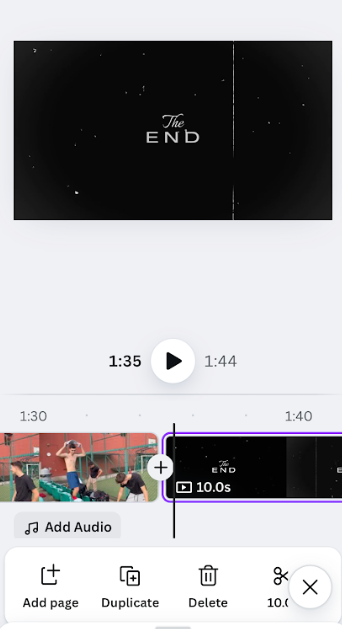
STEP 8. To become more familiar with the app’s benefits, I began by adding a few features that had already been created. While I didn’t include many elements, I did use a “the end” sign, which helped me gain a better understanding of the app’s potential.
All the steps I followed were crucial for helping me understand how to use the Canva app effectively. Through this process, I gained knowledge about the app’s features and benefits. The final video is in the next post.